Account Verification
Last updated: February 25, 2026
CivilGrid Account Setup and Verification
Time to complete: 2-5 minutes
You’ll first need to be invited to CivilGrid. Ask a colleague with access or your CivilGrid account manager to send you an invitation.
Check your inbox for an email invitation from support@civilgrid.com. Click on the black Join button at the bottom of the email.
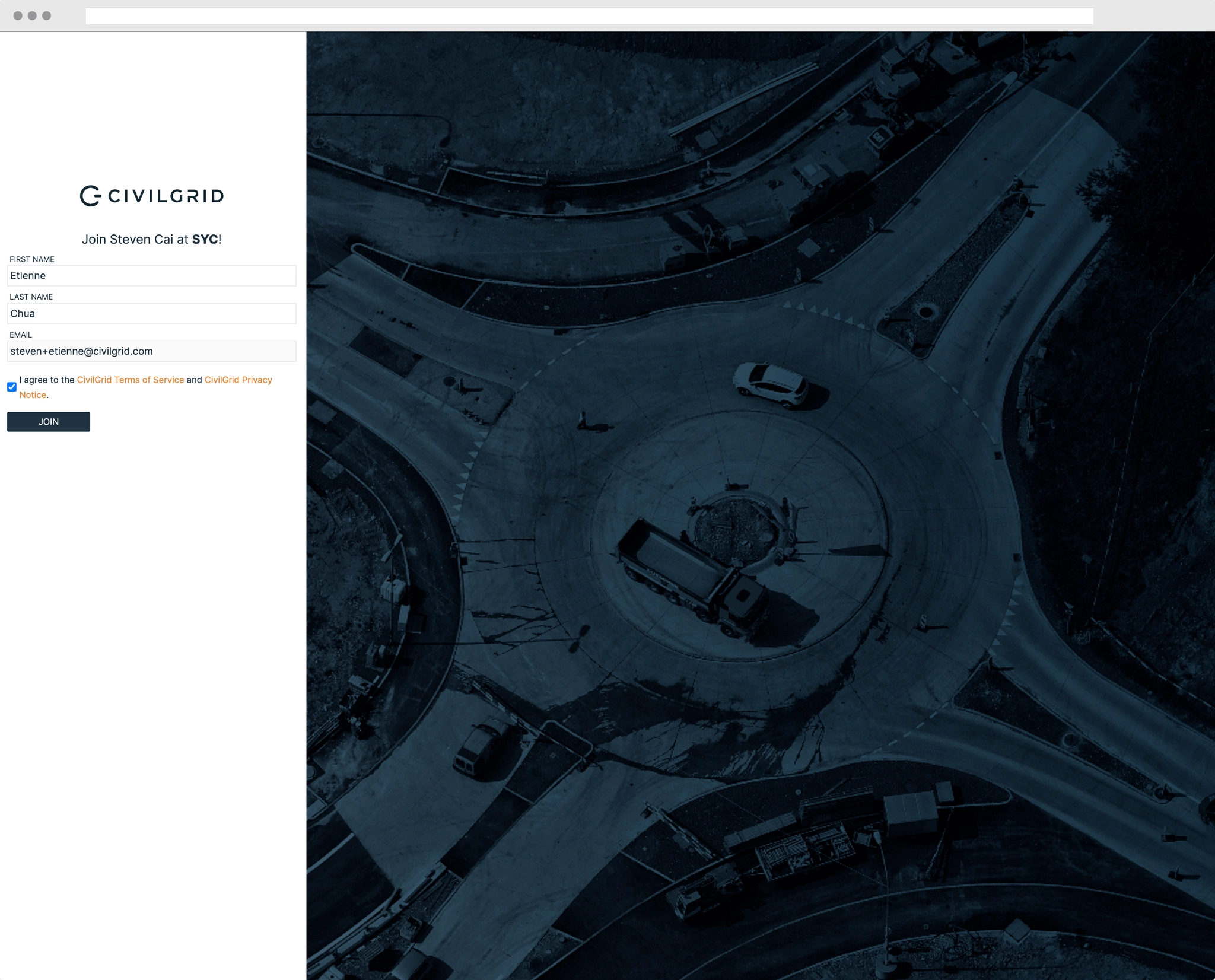
You’ll be taken to an account registration page. Enter your first and last name, and select the checkbox to agree to the CivilGrid Terms and Conditions and the CivilGrid Privacy Notice. Then click Join.
You’ll need to initiate ID verification now. Take a moment to get your government ID (e.g., drivers license, passport, etc.). If your computer does not have a webcam, you’ll also need access to your smartphone or other device with a camera. This verification will be completed using a service called Persona.
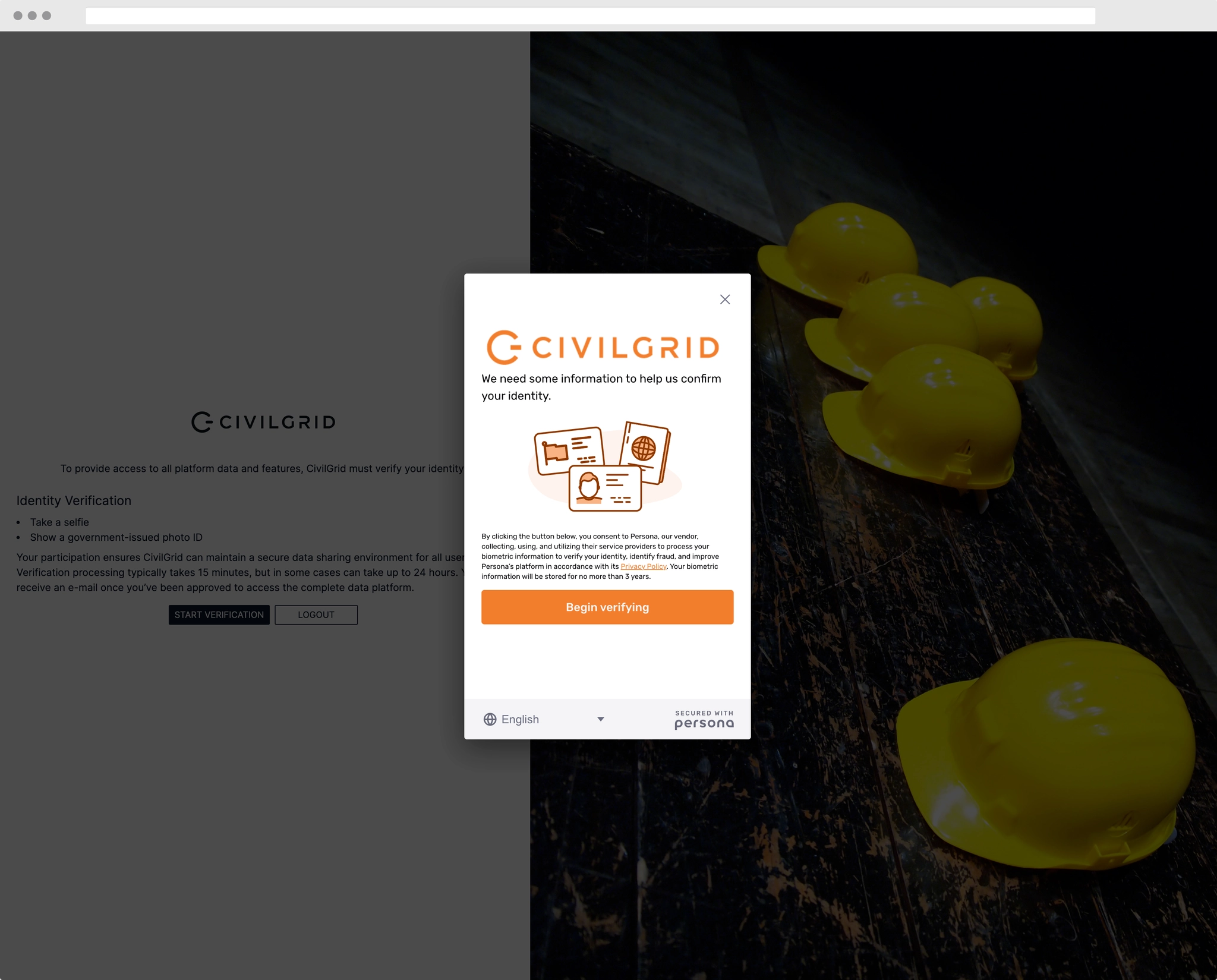
Click Start Verification to continue. You’ll see a white box appear on your screen, and you’ll click the orange Begin verifying button.
Select your ID’s issuing country (United States in most cases), and then select your ID type.
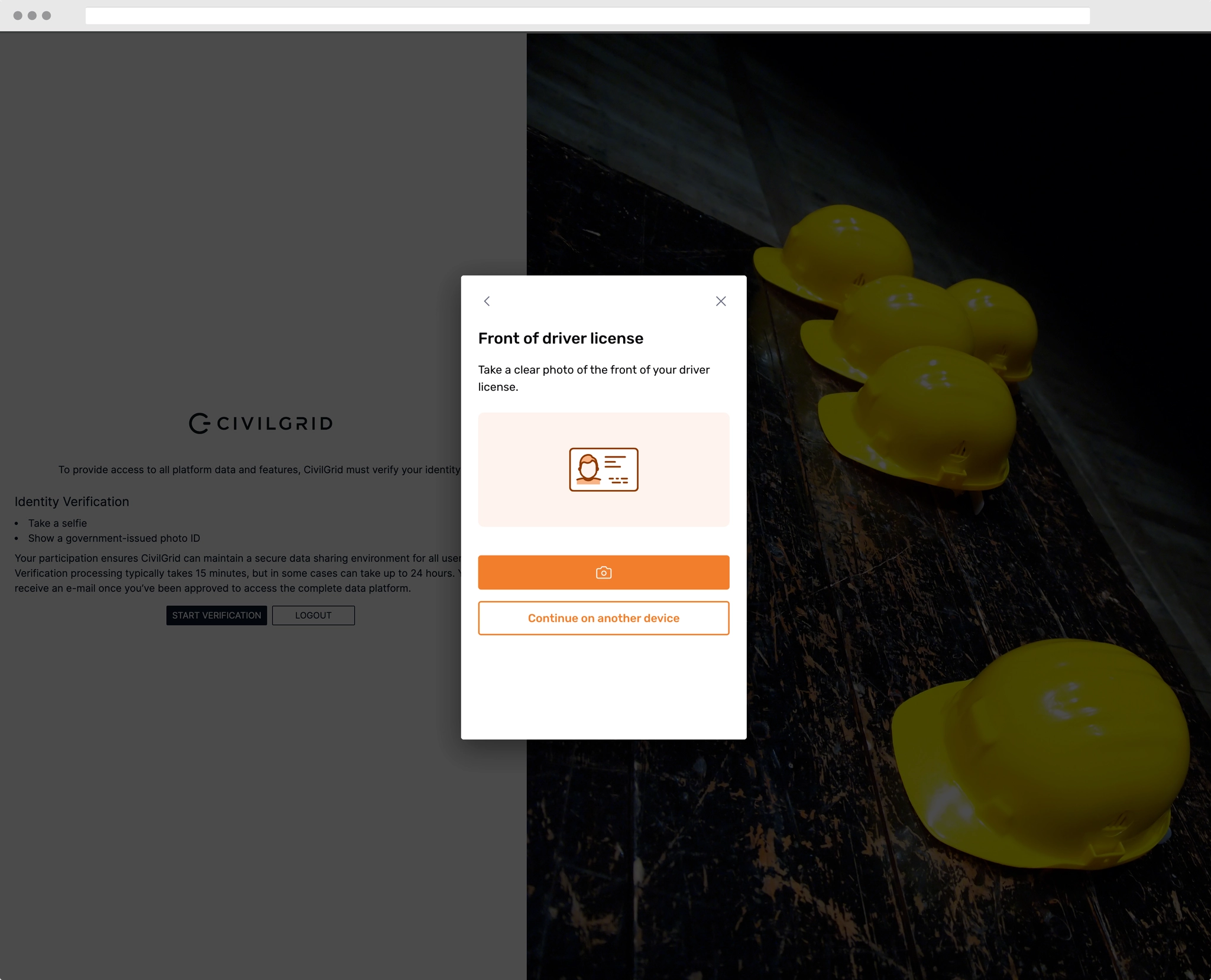
You’ll then be asked to take a photo of your ID. If your current device has a camera/webcam, click the orange Camera button to proceed. If you need to switch to another device (e.g., smartphone), click Continue on another device.
If you have selected Continue on another device, you have three options to switch the verification over: 1) scan a QR code, 2) Send SMS, or 3) Send Email. Regardless of which option you choose, you’ll automatically be taken back to this step on your new device.
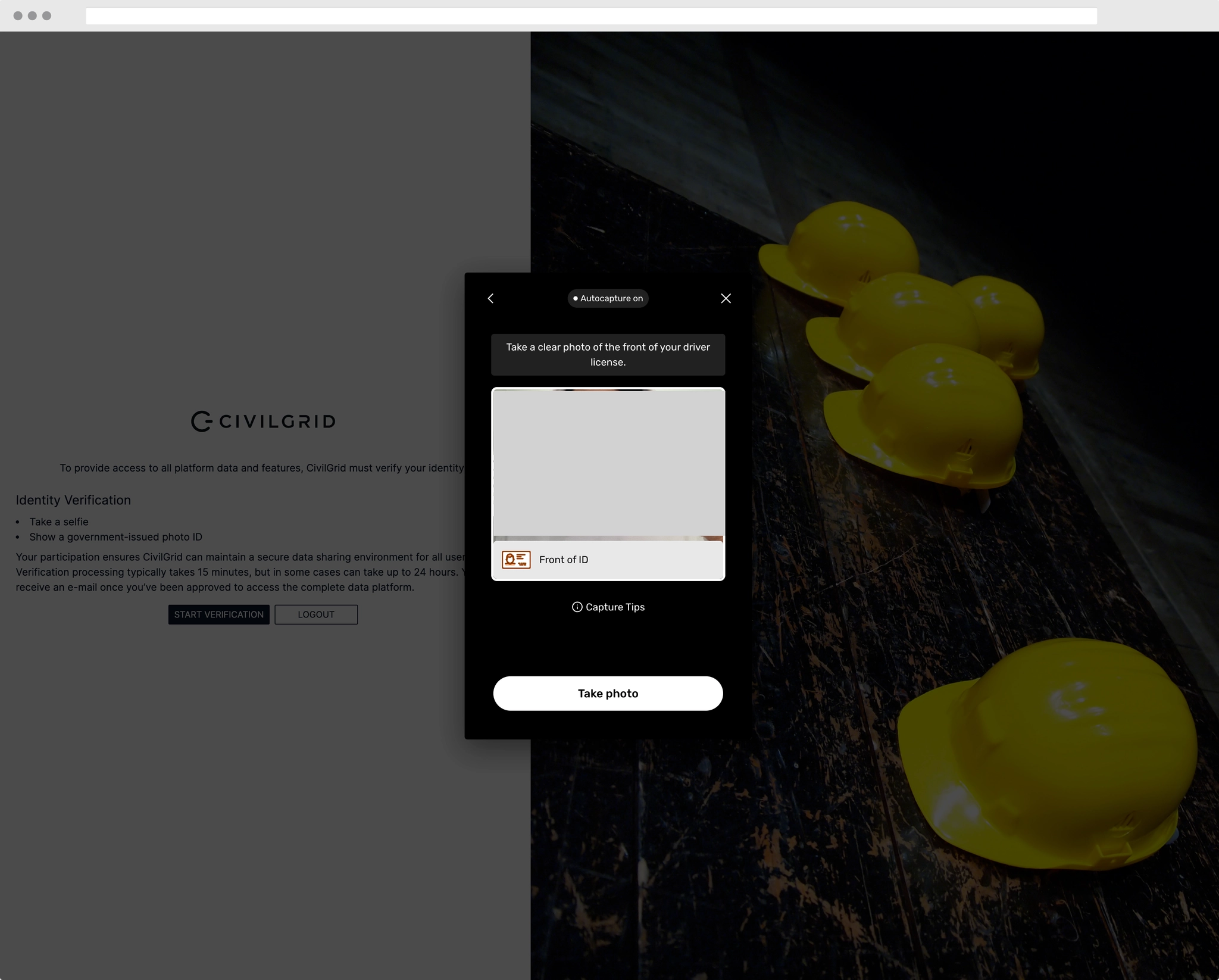
Now that your camera is on, hold your ID up to the camera (or hold your phone over your ID) in order to fully position it within the frame. Make sure that lighting is good and you get a clear view of the ID. Click Take photo when you’re ready, and then click Use this photo if the image is clear. If not, click Retake photo.
Now, take a selfie. Follow the prompts to center yourself on the screen, and then to look right and left.
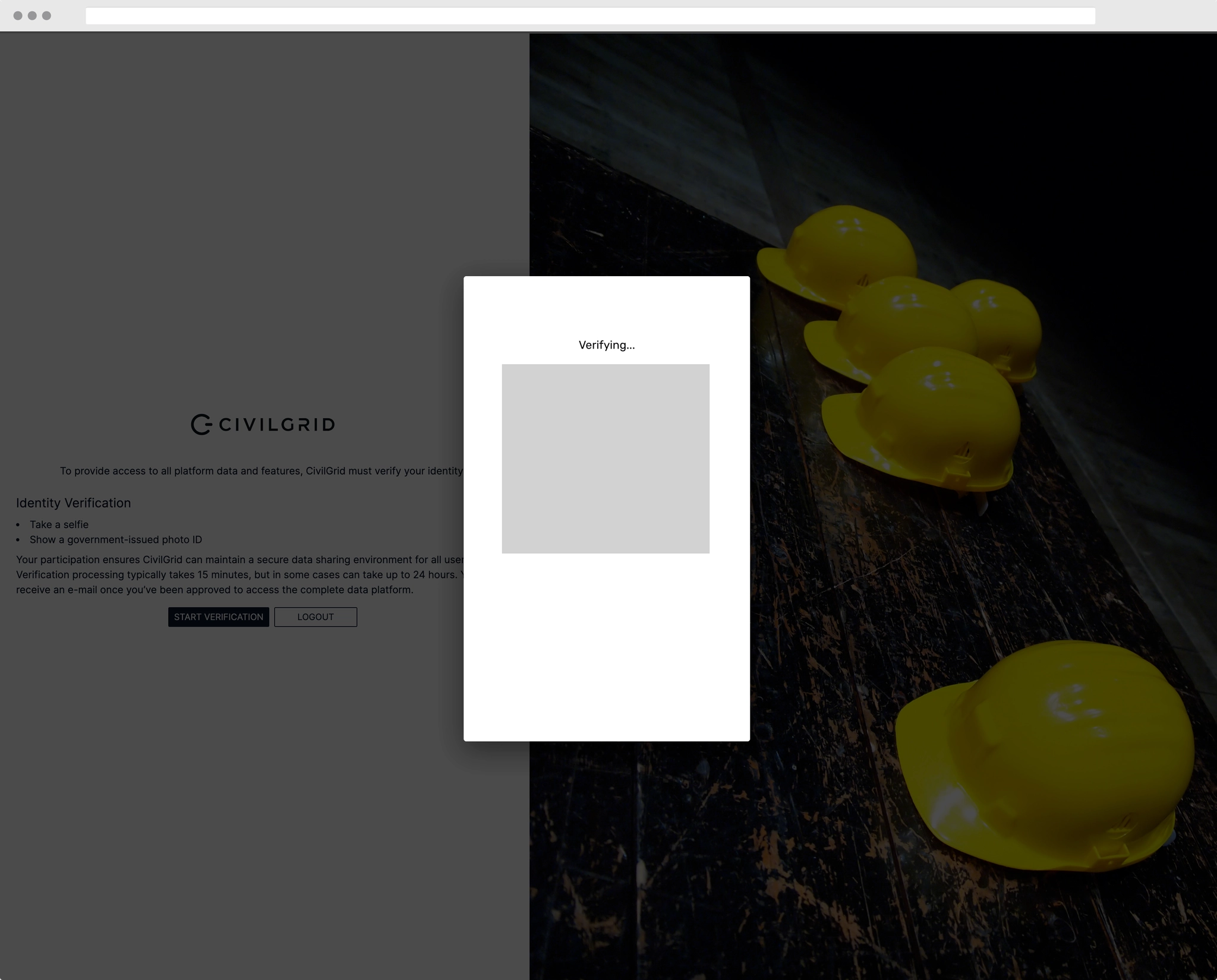
Once the selfie is uploaded, verification has been completed! You’ll receive an email confirmation of this. Verification processing typically takes around 15 min, but in some cases can take up to 24 hours. Once completed, you will receive another email from support@civilgrid.com with the subject “Your CivilGrid Account is Now Active.”
You’re in! Head to https://map.civilgrid.com in order to log in. Enter your email, and then check your inbox for a six-digit code, which you will need to input to complete the log in.
Why do I need to verify my ID?
CivilGrid partners with utilities, agencies, and data providers in order to bring you their proprietary site data in our secure, on-demand platform. In order to provide you with access to these proprietary datasets, you must 1) verify that you are a civil engineering, utilities, real estate, or construction professional in the United States using CivilGrid to complete work-related tasks, and 2) undergo identify verification. This verification is performed by a third party service called Persona.
As part of this process, you will be asked to take a picture of your government ID (Drivers’ License, Passport, etc.) and take a selfie video. Your participation helps to maintain a secure data environment for the entire CivilGrid community, and helps us all be good stewards of our partners’ proprietary datasets.
FAQ
Can I use CivilGrid without performing identity verification?
No, CivilGrid is not accessible without logging in through a verified account.
I haven’t encountered in the past many other services that require photo and identity verification. Is this a common industry practice?
Yes, the verification services and practices used by CivilGrid have also been adopted by governments and major companies. For example, login.gov, the single log-in service used by several US federal agencies, uses a similar camera-based verification system (link). United and Alaska Airlines are among the companies that have implemented passport scanning in their mobile apps. The selfie verification procedure is similar to Apple’s FaceID and other similar authentication services for accessing your mobile phone.
Is my information stored on CivilGrid?
No. CivilGrid uses a third-party identity verification service called Persona. Your data is handled by Persona only.
What is Persona?
Persona is an identity verification service. It is used by many large companies and startups across various industries, including finance, banking, education, and transportation.
What forms of identification are accepted by Persona?
You must use a government-issued photo ID, which may include: drivers’ license, state ID, passport, passport card, permanent residence card, non-citizen travel document, visa, or work permit.
What happens when I submit my information to Persona?
Persona checks the legitimacy of your ID, checks your selfie video to validate that you are the person on the ID, and ensures you are safe to participate in the CivilGrid community.
Why does Persona take a video?
Persona collects a selfie video as part of its “Liveness” check, which checks to make sure that you are indeed the same person as on the submitted government ID.
How does Persona handle my data, and what security measures does it have in place?
Persona is compliant with data privacy legislation, including the California Consumer Privacy Act (CCPA) and the European Union’s GDPR. Persona’s software and data are hosted within SOC2 and ISO accredited data centers. From Persona’s Security, privacy, and compliance overview page:
Persona is GDPR and CCPA compliant, which means we've implemented a robust privacy program that includes secure data transfer and processing practices. We securely store data on behalf of our customers for legal, audit, and support purposes. We do not sell any individual's data or allow access to third parties for any reason.
Please also refer to Persona’s Privacy Policy and Security Page for more information.
How long does the verification process take?
It takes 2-5 minutes for you to complete the verification. Once completed, verification processing typically takes 30 minutes, but may take up to one business day. You will receive an email once your account has been approved.
Can I request to have my verification information deleted after account approval?
An active verification is required to maintain access to your CivilGrid account and the proprietary data contained within. You may email us at [support@civilgrid.com](mailto:support@civilgrid.com?subject=Request%20for%20account%20deletion) to request deletion for a user, and we will reply within three business days to confirm that the user’s personal information has been deleted from ours and Persona’s systems. The user’s CivilGrid account will also be closed as well.
I have additional questions about identity verification.
We understand your concerns around identity and data protection and are more than happy to answer any questions that you have. Please email us at [support@civilgrid.com](mailto:support@civilgrid.com?subject=Additional%20questions%20about%20verifications).